

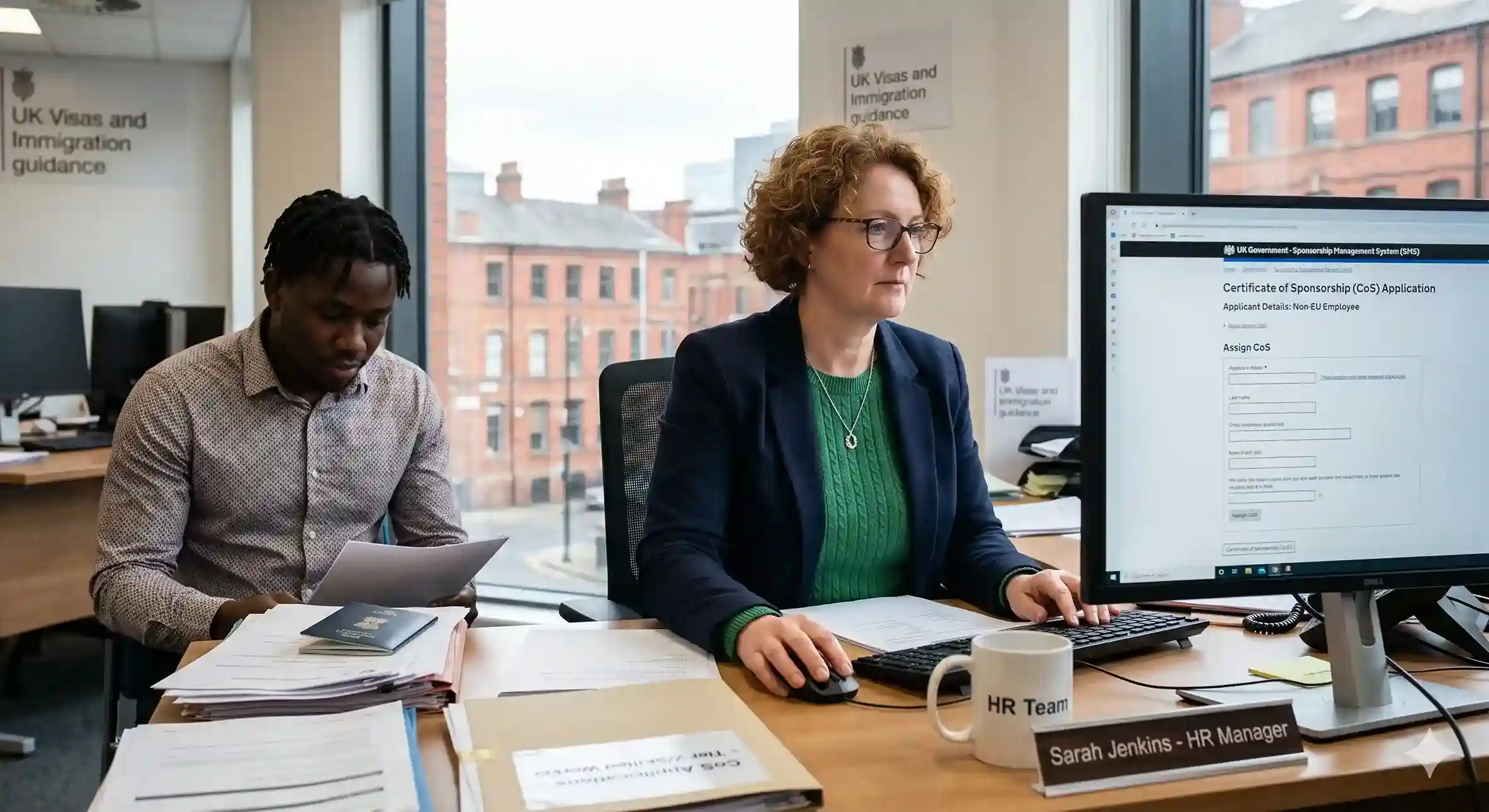
Key Takeaways for Sponsor License Number
- Your sponsor licence number lives in your Home Office approval letter and your SMS dashboard, check both before issuing any Certificate of Sponsorship.
- The Register of Licensed Sponsors is publicly available on GOV.UK and updated regularly. Use it to verify your own or a partner's licence status before making any hiring decision.
- A-rated licences are fully compliant; B-rated licences are under a Home Office action plan and at risk know which rating you hold.
- Job applicants can and should verify their employer's licence status on the public register before accepting a visa-dependent job offer.
What Is a UK Sponsor Licence Number and Why Does It Matter?
A UK sponsor licence number is the unique identifier the Home Office assigns when your organisation's sponsor licence is approved. Without it, you cannot legally hire international talent or issue Certificates of Sponsorship (CoS). Read about UK sponsor licence application in the complete guide.
The public GOV.UK Register of Licensed Sponsors lists every licensed employer's name, town, route and rating, but NOT licence numbers. A licence number appears only on the sponsor's own licence documents; to verify an employer, search the register by company name.
Where to Find Your Number
There are three reliable sources:
Home Office approval letter :
Issued when your licence was granted, containing both your licence number and SMS login details.
Sponsor Management System (SMS)
Log in at gov.uk/sponsor-management-system. Your number is displayed on the dashboard and always reflects the live record. For complete understanding on SMS, check our guide on UK Sponsor Management System best practices.
Previous CoS documents
Any Certificate of Sponsorship your organisation has issued will reference your licence number.
How to Check Your Licence Status on the Public Register
The Home Office publishes the Register of Licensed Sponsors on GOV.UK. It is publicly accessible and updated regularly at least monthly, with urgent changes (suspensions, revocations) applied sooner.
1. Go to the Register of Licensed Sponsors: Workers on GOV.UK
2. Download the latest version in CSV or Excel format. The Register is updated daily. Check below image for referencing the link to download.
_11zon.webp)
3. Open the file in Excel or Google Sheets.
4. Use Ctrl+F (or Cmd+F) to search by company name or licence number.
5. Check the licence rating (A or B), the licence type (Worker, Temporary Worker, or both), and the visa routes covered.
6. Note the date stamp on the file always verify you have the most recent version.
If your company does not appear, your licence may have been revoked, suspended, or the application is still being processed.
Why You Should Check Regularly
Licence status can change without warning after a compliance visit, a missed reporting obligation, or a key personnel change.
Check your status:
- Before issuing any new CoS
- Before making a sponsored hire offer
- After changes to your Authorising Officer or Level 1 User
- At least quarterly as standard compliance practice
The cost of a missed check is high. If your licence is suspended and you assign a CoS, that CoS is invalid and the worker's visa application will fail. For a full picture of the compliance duties involved, our article on sponsor licence compliance obligations is a useful reference.
What Employers Should Communicate to Candidates About Sponsorship
Being transparent about your licence status upfront builds trust and avoids offer-stage drop-off. Before extending a sponsored job offer, make sure you can clearly confirm:
- Your organisation appears on the GOV.UK register of licensed sponsors
- Your licence holds an A rating and covers the relevant visa route (e.g. Skilled Worker)
- You can issue a valid CoS reference number promptly once the offer is accepted
- Your team is prepared to share licence details openly, hesitation here raises red flags for candidates.
When to Get Expert Support
Most licence checks are straightforward. But if your licence is not appearing on the register, your rating has dropped to B, or SMS access has been lost, you need to act fast and getting it wrong can cost you your licence entirely.
Jobbatical works with UK employers to manage sponsor licence compliance end-to-end: from SMS management and CoS issuance to audit preparation and personnel changes.
Disclaimer: Immigration rules change quite frequently; please verify with official sources or contact us for the latest info before making any decisions.
Frequently Asked Questions : Checking a UK Sponsor Licence Number
Where can I find my UK sponsor licence number?
Your sponsor licence number appears in three places: the Home Office approval letter issued when your licence was granted, the Sponsor Management System (SMS) dashboard once you log in, and on any Certificate of Sponsorship (CoS) you have previously issued. The SMS is the most reliable source for your current, active number.
How do I check if a company has a valid UK sponsor licence?
Visit the Register of Licensed Sponsors on GOV.UK, download the latest CSV or Excel file, and search for the company name. The register shows licence type, rating (A or B), and the visa routes covered. It is updated regularly — always check the date stamp on the file before relying on the data.
Can a job applicant check their employer's sponsor licence number?
Yes. The Register of Licensed Sponsors is publicly available on GOV.UK. Applicants cannot see the exact licence number, but they can confirm whether the employer appears on the register and what rating and visa routes are covered. This is an important check before accepting any visa-dependent job offer.
What happens if my sponsor licence is suspended or revoked?
A suspended licence means you cannot assign new CoS while the Home Office reviews compliance. A revoked licence means you are removed from the register entirely and cannot sponsor workers. Existing sponsored employees may also be affected, potentially invalidating their permission to work. Regular licence checks and proactive compliance management are the best protection against either outcome.
How often is the Home Office Register of Licensed Sponsors updated?
The Home Office updates the register at least monthly. Urgent changes — such as a licence suspension or revocation — may be reflected sooner. Always check the date stamp on the downloaded file to confirm you are working with the latest version before making any hiring or visa decisions.

.svg)
.svg)